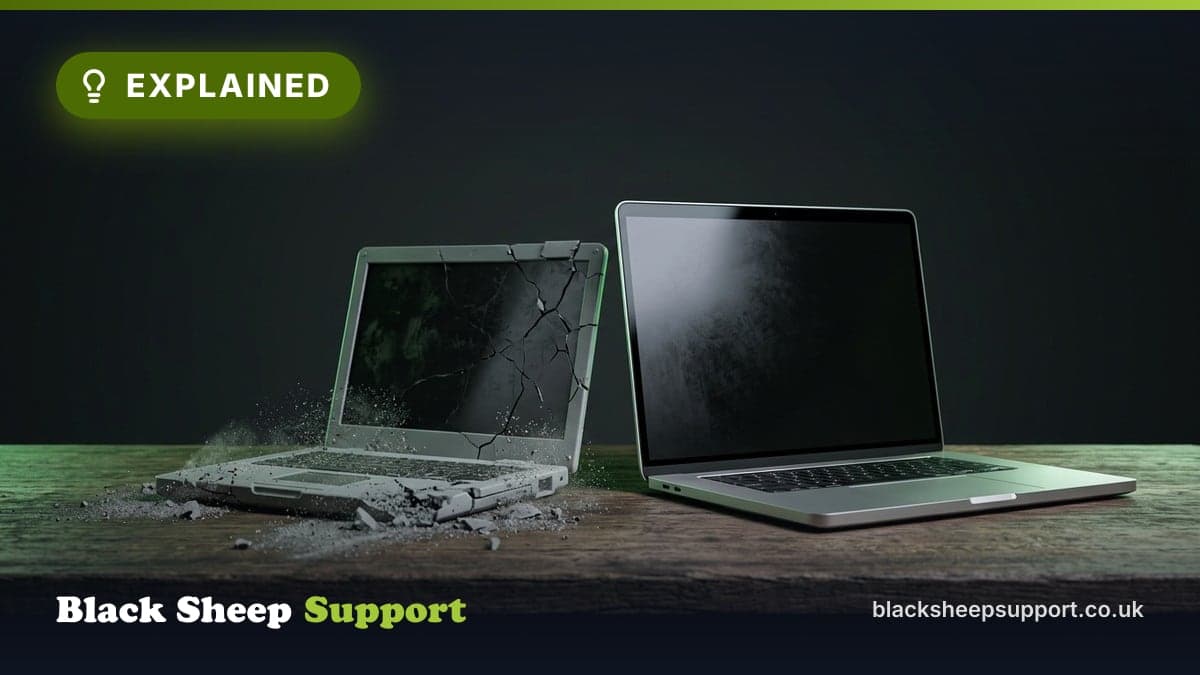
Buying consumer-grade laptops for your team is a false economy. The initial saving is quickly erased by hidden costs, security vulnerabilities, and lost productivity that can put your business and data at risk.
What a "false economy" with laptops means
A false economy is an action that saves money in the short term but costs more in the long run. For business laptops, it means buying consumer-grade devices, often from high-street retailers, for professional staff. These machines are designed for casual home use, prioritising a low price.
Business-grade laptops are engineered for professional environments. They are built for durability, security, manageability, and sustained performance. While their initial purchase price is higher, they offer features and support that reduce the total cost of ownership over their lifespan. The false economy arises when a small or medium-sized enterprise (SME) chooses the cheaper consumer option, only to face escalating expenses from downtime, security breaches, and IT management issues.
Why it matters for UK SMEs
For UK SMEs, the choice of staff hardware impacts regulatory compliance, operational resilience, and financial stability. Ignoring these aspects can lead to significant commercial repercussions.
Under the UK's General Data Protection Regulation (GDPR), businesses must protect personal data. The Information Commissioner's Office (ICO) takes a dim view of data breaches. If an unencrypted company laptop containing client or employee information goes missing, that is a serious incident. Fines can be substantial, not to mention reputational damage. Consumer laptops often lack built-in encryption, like BitLocker, which is found in business-grade Windows Pro operating systems. This alone makes them a significant compliance risk.
Many UK SMEs, especially those seeking contracts with government bodies, larger corporations, or within specific supply chains, must demonstrate adherence to cyber security standards. Cyber Essentials, a government-backed scheme, provides a baseline for good cyber hygiene. A core tenet of Cyber Essentials is the secure configuration and management of devices. Attempting to meet these requirements with a disparate fleet of consumer laptops, running Windows Home, is complex, time-consuming, and often impossible. It impacts your ability to secure new business and maintain existing relationships.
From an operational perspective, unreliable or insecure hardware generates downtime. Every hour an employee spends unable to work effectively due to a slow, broken, or compromised machine is an hour of lost productivity. This translates directly into lost revenue, delayed projects, and diminished customer service. Over time, these small losses accumulate, quickly dwarfing any initial saving made on cheap hardware.
How to procure and manage business laptops effectively
Equipping your team with the right tools is a strategic decision. Adopting a considered approach to hardware procurement and management will safeguard your business and enhance productivity.
Prioritise Security from the Outset
The fundamental difference between consumer and business hardware starts with the operating system. Most consumer laptops ship with Windows 11 Home, which lacks critical security and management features essential for a professional environment. Business-grade laptops come with Windows 11 Pro.
- BitLocker Encryption: This feature encrypts the entire hard drive. If a laptop is lost or stolen, the data on it is unreadable without the correct credentials. This is fundamental for GDPR compliance. Without it, a lost device is a potential data breach.
- Group Policy Management: Windows Pro allows your IT team or support provider to centrally manage and enforce security policies across all company devices. This means they can disable USB ports to prevent data theft, enforce strong password requirements, control software installations, and push security updates remotely. With a fleet of Windows Home machines, each device is an island, making consistent security management impossible and time-consuming. This lack of central control creates significant vulnerabilities.
Demand Professional-Grade Durability
Work laptops endure a demanding life. They are carried, opened, closed, and used for extended periods daily. Consumer laptops are not built for this sustained rigour; their design prioritises aesthetics and low cost over longevity.
- Material Quality: Consumer devices often use cheaper plastics. Business laptops typically feature magnesium alloy or aluminium frames, providing greater rigidity and protection.
- Spill Resistance: Spill-resistant keyboards are common on business models. An accidental coffee spill on a consumer laptop can mean instant device death, whereas a business machine might survive.
- Reinforced Components: Hinges are tested for tens of thousands of open-close cycles. Shock-mounted hard drives or robust solid-state drives (SSDs) protect data from drops and bumps. Many business ranges from manufacturers like Dell, Lenovo, and HP are tested against military-grade standards (MIL-STD-810G), verifying their ability to withstand conditions like extreme temperatures, humidity, vibration, and minor drops. A consumer laptop is unlikely to survive a fall from a desk; a business laptop has a much better chance, reducing the likelihood of costly downtime and data loss.
Streamline IT Management and Deployment
Managing a varied collection of consumer devices bought ad-hoc is an IT management nightmare, generating significant hidden labour costs. Standardisation and professional deployment are key.
- Combatting Bloatware: Consumer laptops are notorious for pre-loaded "bloatware", unnecessary software, trial versions, and promotional apps. Before an employee can even use the device, an IT technician must spend valuable time manually uninstalling this junk. Business laptops, conversely, come with a clean installation of Windows 11 Pro and minimal extraneous software.
- Efficient Provisioning: With a standardised fleet of business laptops, your IT support can create a single "master image" of the operating system, with all your company's software, settings, and security policies pre-configured. When a new employee starts, this image can be deployed to their machine in a fraction of the time it would take to set up a consumer device from scratch. This process, known as imaging or provisioning, is a cornerstone of efficient IT management and is not feasible with a random assortment of consumer models, each with its unique hardware drivers and quirks.
- Centralised Patching and Updates: Managing updates across a diverse fleet of consumer machines is a fragmented and error-prone process. Business-grade devices, particularly when managed via Windows Pro features, allow for centralised patching, ensuring all machines are kept up to date with the latest security fixes. From our service desk data, the most common cause of ransomware infection in UK SMEs is unpatched operating systems or applications, often due to a lack of centralised update management on non-standardised devices.
Ensure Consistent Performance for Productivity
"My computer is slow" is one of the most common complaints from employees, and it kills morale and productivity. While the specifications of a consumer laptop might look similar on paper, the reality of sustained performance is often very different.
- Processors (CPUs): Business-grade laptops often use processors from the same family, for example, Intel Core i5, but are configured for better thermal management and sustained performance, rather than short bursts of speed for casual web browsing. They are designed to run multiple demanding applications concurrently without throttling.
- Memory (RAM): 8GB of RAM might be adequate for home use, but it is the bare minimum for a modern business user. Business laptops are typically configured with 16GB or more, and use higher-quality RAM modules designed for long-term reliability and heavy multitasking.
- Storage (SSDs): While most laptops now use Solid State Drives, business models use higher-grade, more reliable NVMe SSDs with better read/write speeds. This makes applications load faster, files open quicker, and the whole system feel more responsive, directly impacting employee efficiency. A slow, lagging computer does not just waste a few seconds here and there. It breaks concentration, causes frustration, and cumulatively adds up to hours of lost working time across your entire team each month.
Insist on Business-Level Warranty and Support
The support you receive when something goes wrong is one of the most stark differences between consumer and business hardware, and it has a huge impact on the Total Cost of Ownership (TCO).
- Consumer Warranty: The Waiting Game: A typical consumer laptop comes with a 1-year "return-to-base" warranty. This means when it fails, you are responsible for backing up data (if possible), wiping the device for security, packaging it up, shipping it to a repair centre, and then waiting, often for several weeks. During this period, your employee is without their primary tool, causing significant downtime.
- Business Warranty: The On-Site Solution: Business laptops come with far superior support packages, typically as standard: a 3-year warranty aligning with a typical business hardware refresh cycle, and often Next Business Day (NBD) On-Site Support. If a fault is reported, a qualified engineer is dispatched to your office, usually the very next day, with the parts needed to fix the machine on the spot. The difference is transformative. Downtime is reduced from weeks to mere hours. The TCO of a £900 business laptop that lasts three years with instant support is far lower than that of a £500 consumer laptop that fails after 18 months and causes two weeks of downtime. Investing in a proper business warranty is investing in business continuity.
Common mistakes we see
Based on our experience, several recurring errors contribute to the false economy of consumer laptops:
- Ignoring the OS difference: Purchasing machines with Windows Home, unaware of the critical security and management features missing compared to Windows Pro.
- Underestimating downtime costs: Focusing solely on the purchase price without calculating the financial impact of an employee being unable to work for days or weeks.
- Failing to standardise: Buying a mix of different consumer models, which makes IT support, patching, and security management vastly more complex and expensive.
- Neglecting warranty terms: Assuming all warranties are equal and not understanding the severe impact of a "return-to-base" policy on business operations.
- Prioritising upfront cost over TCO: Sacrificing long-term reliability, security, and efficiency for a seemingly lower initial price.
Key Takeaways
Choosing the right hardware is a strategic business decision, not just an expense line item. Opting for consumer-grade laptops is a false economy that introduces unacceptable risks and hidden costs.
- Security is Non-Negotiable: Business laptops with Windows 11 Pro provide essential security features like BitLocker encryption, vital for GDPR compliance and data breach defence.
- Durability Reduces Downtime: Business-grade machines are built to withstand daily work, leading to fewer failures and less lost productivity.
- Management Efficiency Saves Money: Standardising on business hardware makes deployment, management, and support faster and cheaper, freeing up IT resources.
- Performance Drives Productivity: Equipping staff with fast, responsive laptops designed for professional multitasking directly impacts efficiency and job satisfaction.
- Superior Warranties Protect Your Investment: Next Business Day, on-site support minimises downtime, ensuring a lower Total Cost of Ownership over the device's lifespan.
When to call in help
Understanding the nuances of business hardware and IT strategy can be time-consuming. If auditing your current hardware, understanding compliance requirements, or implementing a standardised procurement strategy feels daunting, it is a clear signal to seek expert assistance. A proactive approach to IT infrastructure is always cheaper than a reactive one.
Book a Discovery Call with our expert engineers today or get a free IT Health Check.
Want this handled for you? See Hardware, broadband and networking.
Based in Brighton or Hove? We are too: see IT support in Brighton.
Free, no sales call needed
Two free checks. Know where you stand.
Domain email check
Can someone send email pretending to be you? Is your real email landing in junk? Type your domain and find out in under a minute.
IT Health Check
A short set of questions that scores your security and business risk, and tells you what to fix first. 15 to 20 minutes on your own.