The short answer
Your business should be the registrant of its own domain, in an account it controls, with two-factor authentication, transfer lock and auto-renew switched on, and DNS hosted somewhere reliable that you also control. We set clients up on Cloudflare in the client's own account, give them access, and manage it with them. If an agency, a former employee or an old provider is the registrant today, fixing that comes before anything else.
In this guide
Registrar, DNS and hosting are three different things
Confusion between these three is behind most domain problems.
- The registrar is where the domain name is registered and renewed: Cloudflare, 123-Reg, GoDaddy, IONOS, Namecheap and so on. The registrar's records name the registrant, the legal holder of the domain. That should be your business, at your address, with an email address that will still exist in five years.
- DNS hosting is where the records live that say which server handles your email, which handles your website, and which services are allowed to send mail as you. DNS can live at the registrar or somewhere else entirely, and often does.
- Web hosting and email are the services those records point at: your website host, Microsoft 365 or Google Workspace.
Any of the three can be with a different company. The dangerous pattern is when the registrar or the DNS is in someone else's name: a web agency that registered the domain in 2016, a former director's personal account, an IT provider that put it under its own reseller login. Our article on why you should never let outside agencies control your DNS is a catalogue of how that ends.
What goes wrong, in order of how often we see it
- The domain expires. The renewal email went to an address nobody reads, the card on file expired, and one morning email and the website stop. Domains can be recovered for a few weeks after expiry, at a price; after that they are sold to whoever wants them.
- Nobody can get into the registrar. The person who set it up left, the password is lost, and the recovery email is theirs. Changing a DNS record now needs a scanned passport and a fortnight of correspondence.
- An agency holds it. They will usually hand it back, eventually. If the relationship has soured, or they have gone out of business, your domain is a bargaining chip.
- DNS in two places. The registrar has one set of records, an old host has another, and which one is live depends on nameservers nobody has looked at. A change made in the wrong place does nothing, and the next change breaks email.
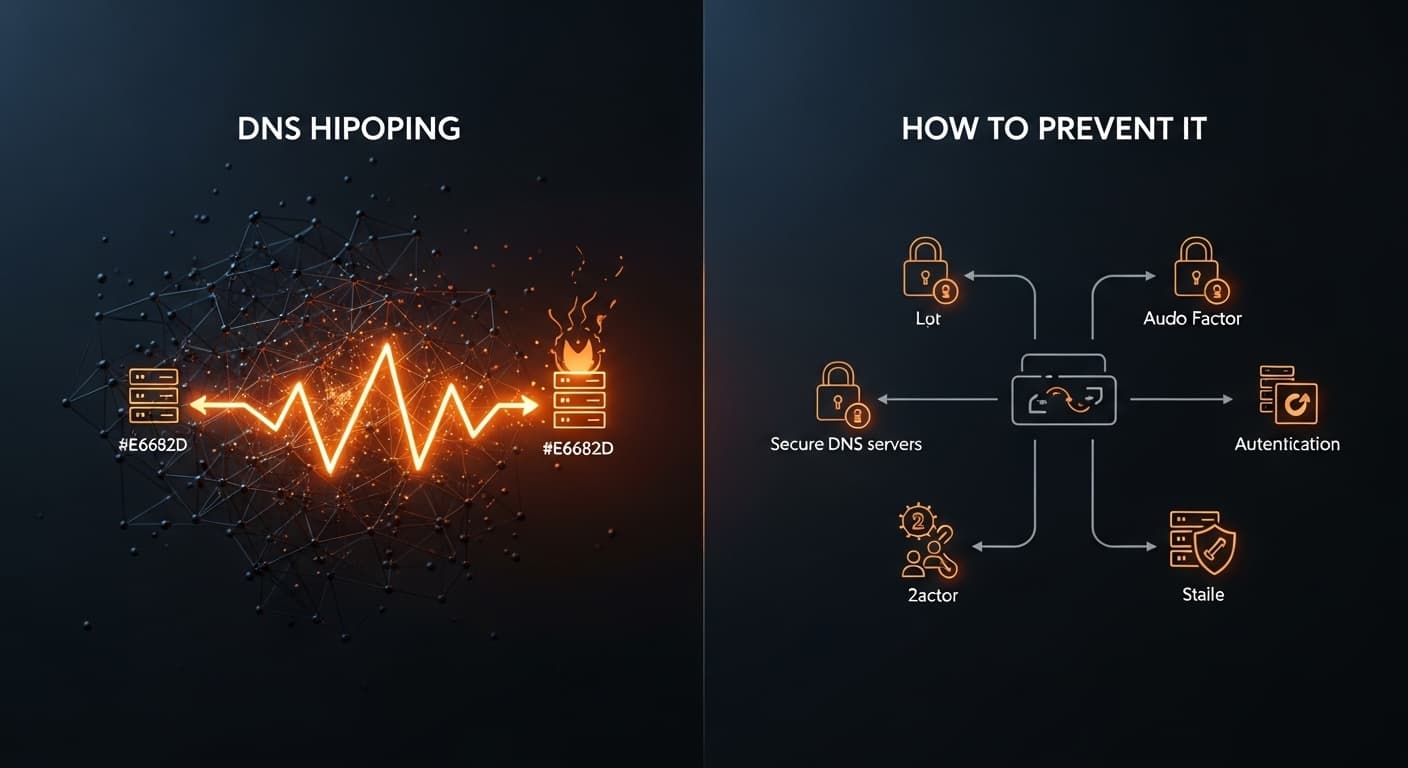
- The domain is hijacked. A weak password and no two-factor authentication on the registrar account, and someone changes the nameservers, redirects your email and reads it. Our guide to DNS hijacking covers the mechanics.
- Email records that let anyone send as you. No SPF, no DKIM, DMARC left on monitoring or absent. Invoice fraud starts here. Run our free domain security audit and it will show you in thirty seconds.
The settings that keep a domain yours
Whoever the registrar is, these should be true:
- Registrant is the business, with a role mailbox as the contact (for example [email protected]) that more than one person can read, and a current postal address.
- Two-factor authentication on the registrar account, and on the DNS account if it is separate. This is the single most important item on the list.
- Transfer lock (also called registrar lock or clientTransferProhibited) switched on, so the domain cannot be moved to another registrar without it being deliberately unlocked first.
- Auto-renew on, with a payment card that is a company card and that someone will notice expiring. Renew for several years at a time where the registrar allows it.
- DNSSEC enabled where the registrar and DNS host support it, so DNS answers cannot be forged.
- A documented list of every DNS record and why it exists. Dead records for services you stopped using in 2019 are how attackers take over a subdomain.
- SPF, DKIM and DMARC set correctly and DMARC at enforcement. Our email security guide explains each and how to get there without breaking your own email.
- More than one person with access, and a break-glass note of where the domain is held, in the same place you keep the other things that would matter if the IT person was hit by a bus.
Not sure which of these applies to your business? Ask an engineer.
Book a Discovery CallHow we manage domains with clients: Cloudflare, in your own account
We are a Cloudflare partner, and Cloudflare is where we put client domains for DNS and, where the domain ending supports it, for registration too. The reasons are practical: DNS that answers fast and does not go down, DNSSEC and registrar lock that actually work, at-cost renewal pricing on registrations, and a proper audit log of every change.
The part that matters more than the platform is how the account is set up:
- The account is yours. We create a Cloudflare account in your business's name, with your role mailbox as the owner, not a domain sitting inside our account. If we disappeared tomorrow, nothing about your domain would change.
- You have access. The directors, or whoever you nominate, have their own logins with two-factor authentication. You can see every record and every change.
- We manage it with you. We hold administrative access through Cloudflare's partner arrangement, make the changes day to day, keep the record documentation current, and set the security settings above. Changes that matter, such as a new mail provider or a nameserver move, are agreed with you first.
- Moving is planned, not rushed. DNS records are copied and checked before nameservers change, email records first, with the old host left running until everything is proven. Registrar transfers happen after the DNS move, never during it, and a domain that is close to expiry is renewed first.
A domain that was registered by an agency, a former provider or an individual is moved into the business's name as part of onboarding. It is often the first thing we fix, because everything else depends on it.
Check your own domain in five minutes
- Look up your domain on a WHOIS service (Nominet's for .uk names, or any public WHOIS for others). Who is the registrant? When does it expire? Which nameservers does it list?
- Log in to that registrar. Can you? Does it have two-factor authentication? Is transfer lock on? Is auto-renew on, and to which card?
- Run our free domain security audit for the email records and the score.
- Write down where the domain is, who has access, and when it renews, and put it where a second person can find it.
If any step fails, that is the thing to fix this week.
Frequently asked questions
Who should own our domain name?
Your business, as the registrant, in an account the business controls, with a role mailbox as the contact. Not your web agency, not your IT provider, and not an individual's personal account, however trusted.
Do you register domains in your own Cloudflare account?
No. We create a Cloudflare account in your business's name, you have access to it, and we manage it with you through Cloudflare's partner arrangement. The domain is yours and stays yours if you ever move on.
Our agency registered our domain. How do we get it back?
Ask them, in writing, to update the registrant to your business and to give you the registrar login or transfer the domain to a registrar account of yours. Most will. If they refuse or have disappeared, the registrar and, for .uk names, Nominet have processes for proving you are the rightful holder. We handle this as part of onboarding.
Can our domain be stolen?
Yes, most often through a weak or reused password on the registrar account with no two-factor authentication. Two-factor authentication, transfer lock and DNSSEC make it far harder, and a current contact address means you hear about attempts.
Does moving DNS to Cloudflare mean downtime?
Not if it is done in the right order: copy every record, check them, move the email records first, change nameservers, and keep the old host running until everything resolves from the new one. Done properly, nobody notices.
Is the domain included in managed IT support?
Managing it is. Registration and renewal fees are charged at cost and shown as their own line so you can see them. Moving a domain into your name during onboarding is part of the job.
Find out who owns your domain
We will check the registrant, the registrar security, where the DNS lives and the email records, and tell you what to fix, whether or not you move to us.
- Who the registrant is and when the domain renews.
- Which security settings are missing at the registrar.
- Where DNS is hosted and whether records are documented.
- The email record fixes, in order.
Sources
Prices and product facts on this page were checked against the following Microsoft pages on the dates shown.
- 1.NCSC: Email security and anti-spoofing guidance · accessed 23 September 2026
- 2.Nominet: WHOIS for .uk domains · accessed 23 September 2026
- 3.Cloudflare: Registrar · accessed 23 September 2026
- 4.Cloudflare: DNSSEC · accessed 23 September 2026
- 5.ICANN: Transferring your domain name · accessed 23 September 2026
What has changed on this page
- 23 September 2026Page published.