In the modern UK workplace, the line between professional and personal technology has blurred. For many SMEs, the Bring Your Own Device (BYOD) model has become a necessity, driven by the rise of hybrid working and the desire to reduce hardware expenditure. However, allowing staff to access corporate email, Microsoft Teams, and sensitive company data on their personal smartphones introduces a significant security paradox. While it boosts agility and productivity, it also places your business’s intellectual property and client data on devices that are completely outside your direct control. Without a robust strategy, one lost phone or a single malicious app on an employee’s handset could trigger a data breach, which is certainly not ideal. This is where Microsoft Intune Mobile Application Management (MAM) comes into play. By focusing on securing the data rather than the device, Intune MAM allows Black Sheep Support to help UK SMEs embrace BYOD without compromising on security or GDPR compliance.
What BYOD policies with Intune MAM actually means
BYOD, or Bring Your Own Device, is precisely what it sounds like: employees using their personal smartphones, tablets, or laptops for work purposes. This can be convenient, but historically, securing these devices has been a challenge. The traditional approach, Mobile Device Management (MDM), requires the user to "enroll" their entire device into company management. This grants the IT department extensive control, including the ability to wipe the entire phone, track its location, and view installed apps. For a company-owned device, this is perfectly acceptable. For a personal device, it is often a non-starter, as employees are understandably hesitant to surrender total control of their personal photos, messages, and banking apps to their employer.
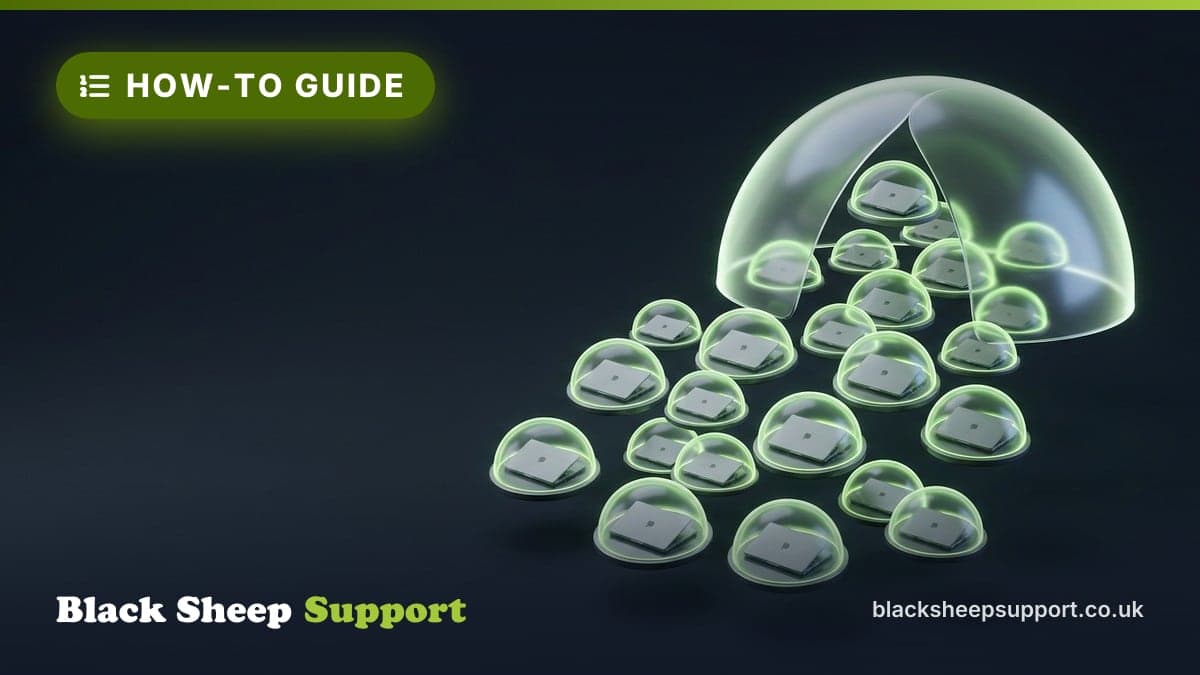
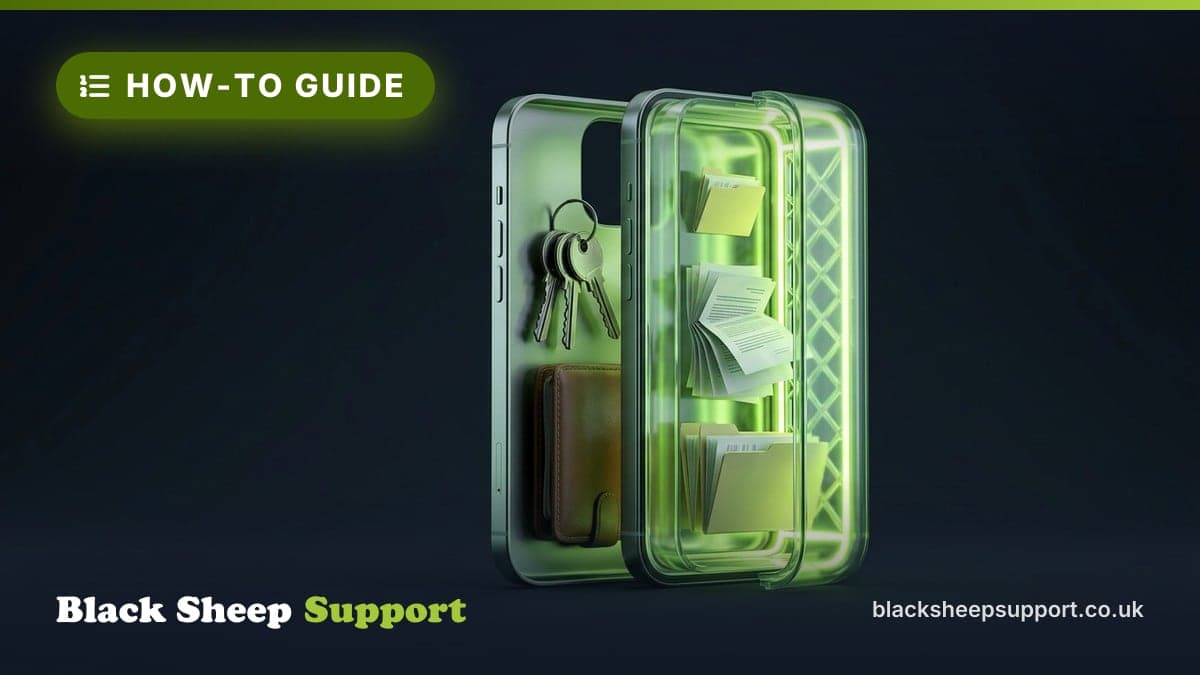
Mobile Application Management (MAM) offers a different approach. Rather than managing the entire device, MAM focuses specifically on the applications that contain your business data, such as Outlook, Word, Excel, and Teams. With Intune MAM, your business data exists in a protected "container" within these apps, entirely separate from the user’s personal data. This means you can implement security policies that apply only when the user is logged into their work account within those specific applications. You cannot see the user’s personal photos or texts, nor can you wipe their personal data. It is a privacy-first approach that secures the corporate information without infringing on personal space.
Why it matters for UK SMEs
As a UK SME, your obligations regarding data protection are clear and legally binding under the UK GDPR and the Data Protection Act 2018. The Information Commissioner’s Office (ICO) expects "appropriate technical and organisational measures" to be in place to protect personal data. If an employee accesses a database containing personal customer information on a personal device that lacks sufficient security controls, you are technically in breach of your duty to protect that data. The consequences of such a breach can extend beyond regulatory fines, potentially encompassing significant reputational damage, loss of client trust, and operational disruption as you deal with the fallout.
Beyond the immediate legal and reputational risks, effective BYOD security contributes directly to your overall cyber resilience. Many UK SMEs pursue NCSC-backed certifications like Cyber Essentials. Intune MAM directly addresses several controls required for such accreditations, particularly those concerning secure configuration, access control, and incident management on mobile devices. Demonstrating a proactive stance on mobile security helps meet these standards, proving due diligence to customers, partners, and insurers.
From a commercial perspective, a well-implemented BYOD policy, underpinned by MAM, allows you to benefit from increased employee flexibility and potential savings on hardware procurement, without incurring undue risk. It supports hybrid working models, which are now standard for many UK businesses, and helps maintain productivity by enabling secure access to critical applications from anywhere. The awkward truth is that employees will use their phones for work anyway; it is far better to manage that usage securely than to ignore it and hope for the best.
How to secure personal phones with Intune MAM, a practical walkthrough
Implementing Intune MAM is a considered process, requiring careful planning and configuration to ensure it is effective, comprehensive, and not overly obstructive for your staff.
1. Define Your BYOD Policy Document
Before configuring any technology, you need a clear, concise BYOD policy document. This outlines what devices are permitted, acceptable use, security requirements, and employee responsibilities. It is the foundation for your technical controls and provides transparency for your staff. This document should explicitly state that corporate data accessed on personal devices will be subject to specific security controls, and what those entail, particularly regarding privacy.
2. Configure App Protection Policies (APP)
The core of your MAM strategy resides in App Protection Policies (APPs). These are sets of rules that dictate how data behaves within your managed applications (e.g., Outlook, Teams, Word, Excel).
- Preventing Data Leaks: This is paramount. You can restrict "Copy/Paste" functions, preventing users from copying sensitive data from an Outlook email and pasting it into a personal WhatsApp chat or a notes app. Similarly, you can prevent saving work documents to unmanaged personal cloud storage services (such as personal Dropbox or iCloud), forcing staff to use sanctioned platforms like OneDrive for Business or SharePoint.
- Encryption at Rest: Intune automatically encrypts the data held within these managed applications on the device. This ensures that even if the device itself is compromised or stolen, the corporate data within the managed apps remains unreadable without proper authentication.
- Data Transfer Controls: Go further by restricting "Open In" functionality. This prevents users from opening a sensitive work document in a personal, unmanaged app on their device.
3. Enforce Access and Authentication Requirements
Your BYOD policy is only as strong as its access controls. Intune MAM allows you to enforce robust authentication measures directly at the app level.
- App-Level PINs or Biometrics: Even if the phone is unlocked, you can require a separate PIN or biometric authentication (Face ID, Touch ID) specifically to open and access data within managed apps like Outlook or Teams. This adds a crucial layer of security, particularly if the device is left unattended.
- Conditional Access Integration: This is a vital component of a comprehensive security posture. Integrate your MAM policies with Microsoft Entra ID (formerly Azure AD) Conditional Access. This allows you to enforce rules such as:
- Users can only access corporate data if they are using the latest, managed version of the app.
- Access is blocked if the device is detected as jailbroken or rooted, as these devices present significant security risks.
- Multi-Factor Authentication (MFA) is always required to access managed apps, regardless of whether the user is on a company device or a personal one.
- From our service desk data, the most common cause of unauthorised mobile access in UK SMEs is a compromised password combined with a lack of MFA. Conditional Access with MAM provides a robust defence against this prevalent threat.
4. Manage the Lifecycle: Onboarding and Offboarding
The most critical phases of BYOD security are when an employee joins your organisation and, crucially, when they leave.
- Smooth Onboarding: To avoid "shadow IT" (employees using unmanaged personal accounts or apps for work), provide clear documentation and support during onboarding. When a user logs into a managed app for the first time, Intune will prompt them to register the app. This is a quick, one-time process that establishes the secure container. It is essential to communicate that this process does not give the company access to their personal data; transparency is key to high adoption rates and user compliance.
- The "Selective Wipe": When an employee leaves the company, or if their phone is reported lost or stolen, you do not need to perform a full device wipe. Through the Microsoft Intune admin console, you can perform a "Selective Wipe." This command removes only the corporate data and the business apps from the phone, leaving the user’s personal photos, contacts, and apps completely untouched. This is a clean, professional, and privacy-compliant way to offboard staff, immediately mitigating the risk of corporate data falling into the wrong hands without causing unnecessary friction or invading privacy.
5. Prioritise User Experience and Communication
If security measures are too aggressive or difficult to use, employees will often find ways to circumvent them, perhaps by emailing sensitive documents to personal accounts or using unmanaged web versions of applications. This creates significant security gaps.
- Keep it Simple: Avoid over-complicating PIN requirements or authentication flows. Leverage native biometric features on modern phones where possible, as these offer strong security with minimal user effort.
- Provide Clear Support: Ensure your team knows who to call if they encounter issues accessing their work apps or understanding the policies. A dedicated support channel can prevent frustration and discourage workarounds.
- Explain the 'Why': When employees understand that these policies are designed to protect their privacy as much as the company’s data, and to safeguard the business from breaches that could impact everyone, they are far more likely to comply willingly.
Common mistakes we see
- No formal BYOD policy document: Relying solely on technical controls without a clear written policy leaves gaps in employee understanding and legal defensibility.
- MAM policies too restrictive: Overly aggressive security settings can frustrate users and push them towards unmanaged "shadow IT" solutions.
- Forgetting Conditional Access: Implementing MAM without integrating it with Conditional Access and MFA leaves significant vulnerabilities, as users might bypass app protection via web browsers or unmanaged devices.
- Lack of ongoing review: Policies are often set and forgotten, failing to adapt to evolving business needs, new applications, or emerging threats.
- Poor user communication: Staff are not properly informed about the policy, how it works, or why it is necessary, leading to resistance and non-compliance.
Key Takeaways
- Privacy-Centric Security: Intune MAM secures business data within apps without invading employee privacy, making it ideal for BYOD.
- Regulatory Compliance: It helps UK SMEs meet GDPR and ICO expectations by demonstrating technical measures for data protection on mobile devices.
- Data Isolation: Corporate data is kept separate from personal data on the device, preventing accidental or malicious data leakage.
- Efficient Offboarding: The "Selective Wipe" feature allows for the remote removal of only corporate data, respecting employee privacy when they leave.
- Enhanced Access Control: Combine MAM with Conditional Access and MFA for comprehensive protection, ensuring only verified users on trusted app versions access resources.
Implementing a BYOD policy shouldn’t be a source of stress or a risk to your company’s reputation. By leveraging the power of Microsoft Intune, Black Sheep Support can help your team enjoy the flexibility of working from anywhere, while ensuring your business assets remain secure, compliant, and under your control.
To take the next step
Based in Brighton or Hove? We are too: see IT support in Brighton.
Free, no sales call needed
Two free checks. Know where you stand.
Domain email check
Can someone send email pretending to be you? Is your real email landing in junk? Type your domain and find out in under a minute.
IT Health Check
A short set of questions that scores your security and business risk, and tells you what to fix first. 15 to 20 minutes on your own.